An idea is where you tell ContentApp what you'd like to post. You don't go searching through folders for the right clip — you describe the post in a line or two, and it finds the footage to match from everything it has tagged. The clearer your description, the closer the match, so here's what to write and how the matching uses it.
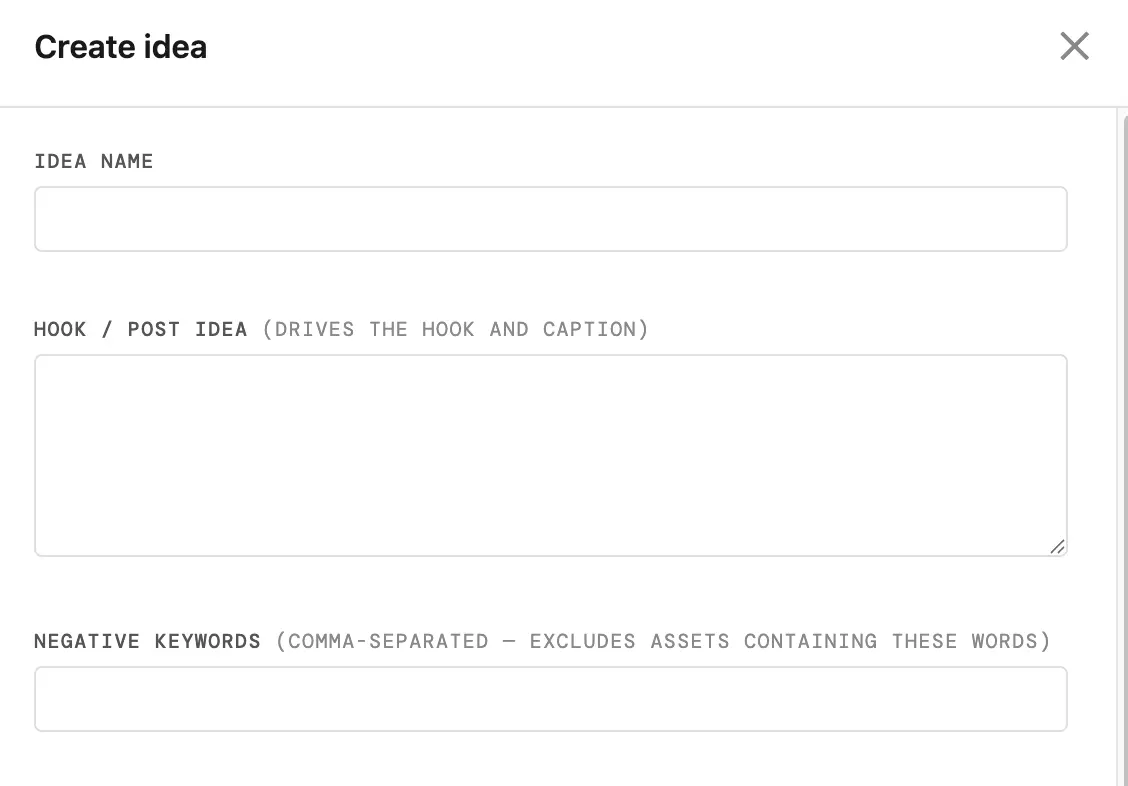
THE HOOKStart with one clear line
The hook is the heart of an idea: one line that says what the post is about. You can write it the way you'd say it out loud — "what I reach for after a long day", or "the two-minute reset I do before bed". You don't need to be clever, you need to be specific. A specific line gives the matching something real to aim at, and gives the writing a clear angle to take.
THE FILTERSNarrow to the right kind of shot
Under the hook you can set a few filters: the content type, and whichever details you turned on in setup — the setting, the season, the person, the product, the activity. You'll only ever be offered filters your library can actually answer, so you're never asking for a shot you don't have. Each one you set narrows the pool the matching draws from, so it's looking in the right place from the start.
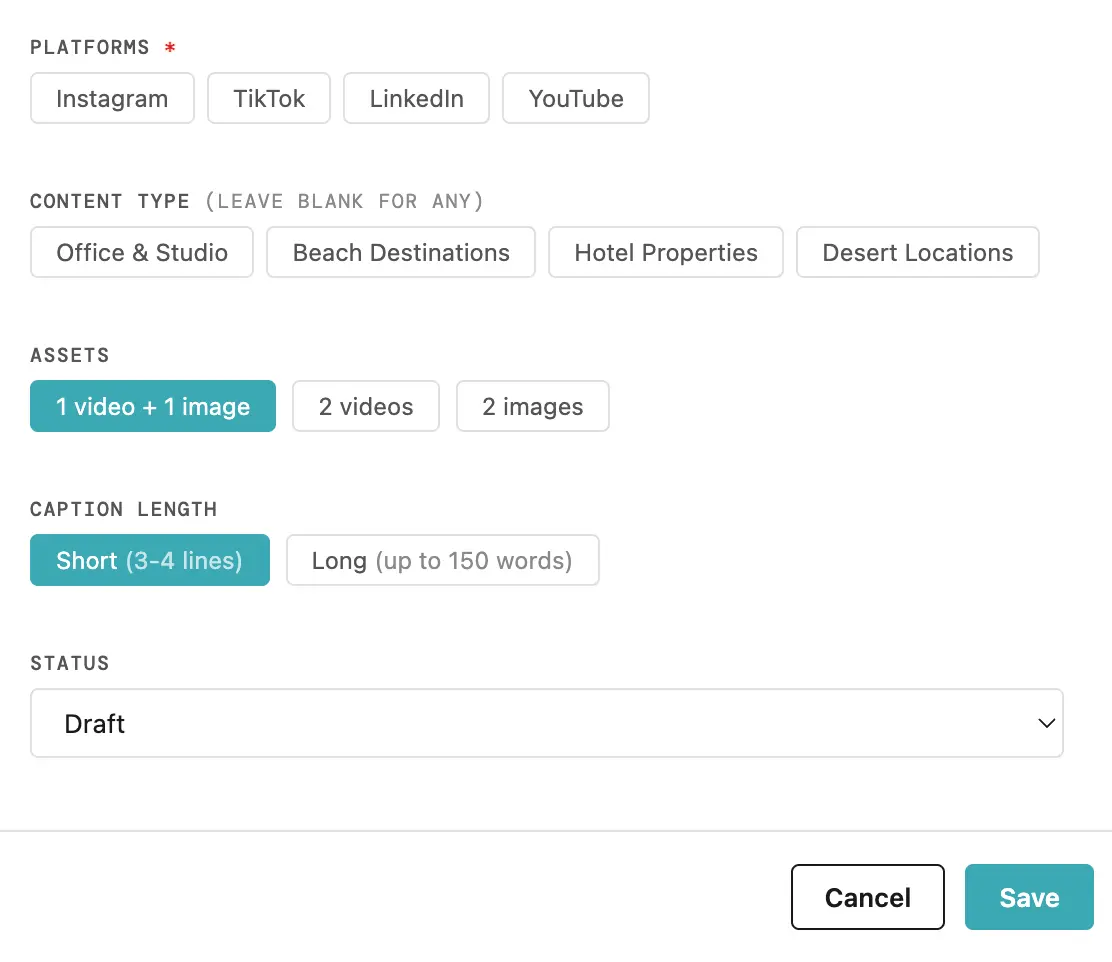
NEGATIVE KEYWORDSSteer away from the wrong footage
Sometimes it's easier to say what you don't want. Negative keywords let you do exactly that: type a word or two — "indoor", "night", "crowd" — and the matching leaves anything like that out. It's a quiet, useful way to keep a post on track when your library is broad.
LENGTH & PLATFORMSThe last couple of choices
You can choose how long the caption should be — short for a quick post, long when there's more to say — and which platforms you'd like. ContentApp will write a version shaped for each platform you pick. When the idea looks right, you mark it Ready.
THE MATCHHow it finds the clip to fit
When you run a Ready idea, ContentApp goes through your tagged library for you. It starts with your content type and filters, sets aside anything you've posted recently so you're not repeating the same few clips, respects your negative keywords, and spreads its choices across different shoots so the result has variety. Then it settles on the strongest video and the strongest image for your idea — and it tells you which it chose.
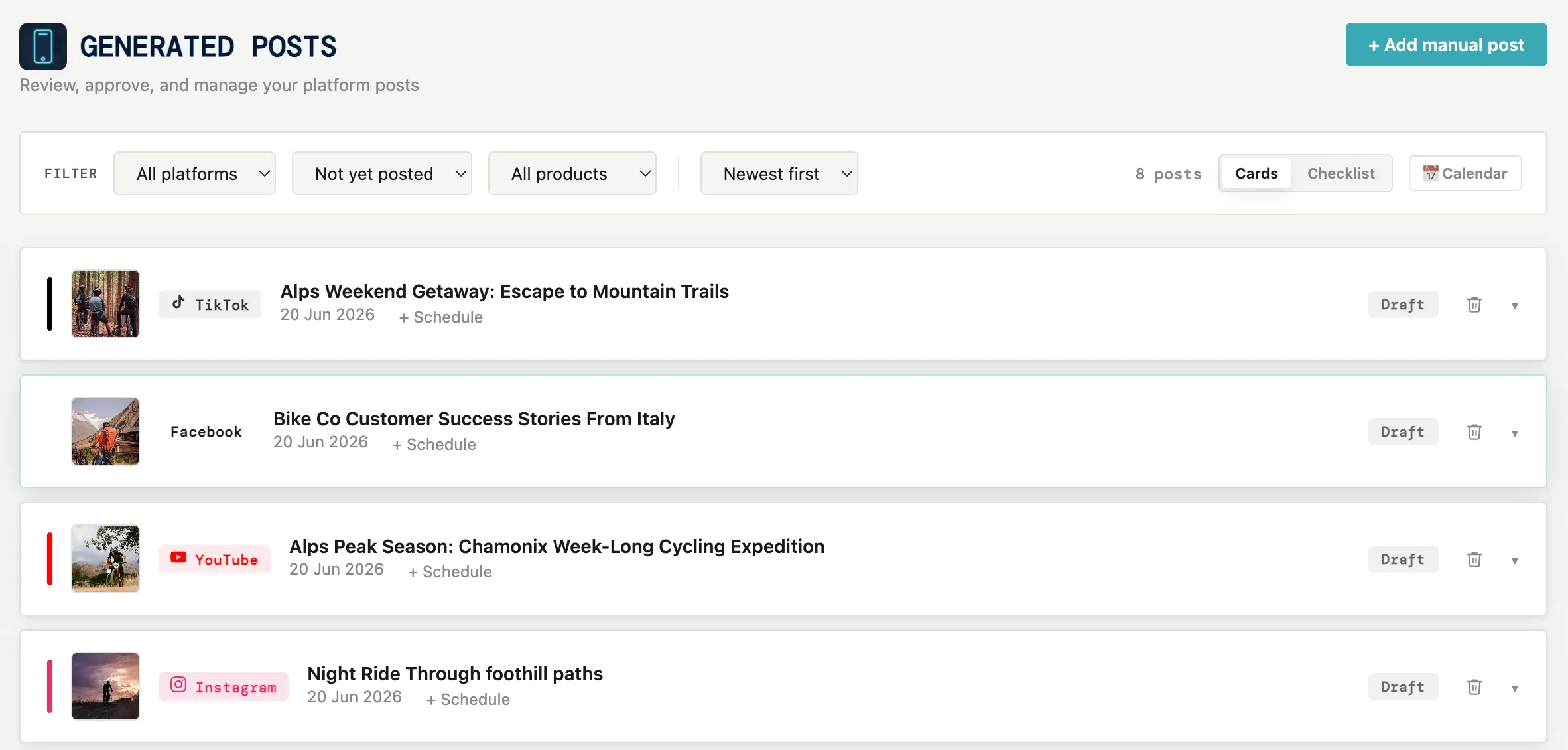
A SHARPER PICKA few things that help
A specific hook beats a vague one. One or two filters usually help more than setting all of them. And a couple of negative keywords often do more than a long list. If a pick isn't quite right, you don't have to settle — you can adjust a filter or a keyword and run it again, and it will look afresh.
That's an idea from a blank line to matched footage: you describe the post, set a filter or two, and ContentApp finds the clip to fit. Next, what happens when that idea becomes four finished posts.